

Website hosting with email means one provider runs your website and your business mailboxes, such as hello@yourbusiness.co.uk, under the same domain and the same account. For most small UK businesses that is the simplest set-up: one login, one bill, one place to call when something stops working. Our own website packages work this way: hosting, business email and monthly site edits are part of the package, so you are not stitching three suppliers together.
The rest of this guide explains what is actually inside a hosting-with-email plan, what to check before you sign, and how to avoid the problems that catch out small businesses: lost email during a move, surprise renewal prices and mail that lands in spam.
TL;DR
- Hosting keeps your website online, email hosting stores and delivers your mail, and your domain name is the address that points to both. A bundled plan puts all three under one account.
- Bundling suits most small and service businesses: fewer logins, one point of contact and a professional address on your own domain.
- Check storage per mailbox, backups, security, where the servers are, support, and what the plan costs at renewal, not just in year one.
- Moving a site or mailboxes safely comes down to copying your DNS records first and changing them in the right order.
- Our website packages include hosting, email and ongoing monthly edits from £15 a month.
Table of Contents
- What website hosting with email actually includes
- How the website and email work together on one account
- When bundling suits you
- What to check before you choose a plan
- Choosing the plan that fits your site
- Moving your website and email to a new host without losing mail
- Domain ownership and renewal
- How we do it at Vanta Web
- FAQ
- Sources
What website hosting with email actually includes
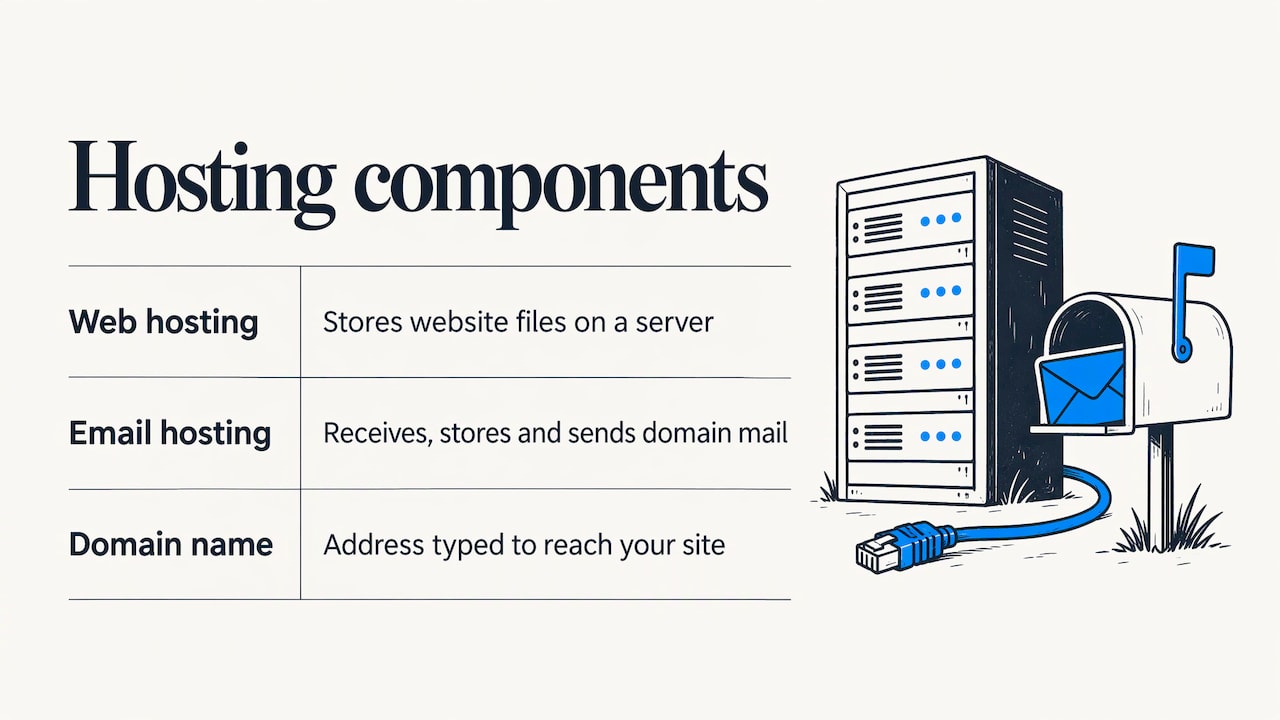
Three separate things make up a working online presence, and the jargon often blurs them.
Web hosting stores your website's files on a server so that anyone can visit the site. Hosting providers run and maintain those servers, and a plan may also cover security, backups and performance support.
Email hosting is the mail server that receives, stores and sends messages for addresses on your domain. Without it, you are stuck with a free address from a webmail service, which looks less credible on a quote or a van.
A domain name is the address people type, like yourbusiness.co.uk. A site needs both a registered domain and a hosting account to be reachable, and DNS (the internet's address book) is what links the name to the server.
A hosting-with-email plan bundles the second item with the first, and often the third. The same source notes that many web hosting plans include email accounts, with features such as forwarding and aliases (extra addresses that deliver into one mailbox, for example bookings@ and info@ both arriving in your inbox).
What a good bundle covers
When you compare plans, this is the checklist of what should be inside:
- A domain you can use for the website and the mailboxes, either registered with the provider or pointed at it. You can register a domain with us if you do not have one yet.
- Server space for the site and separate storage for mail.
- An SSL certificate, the padlock that encrypts traffic between visitors and your site. We include free SSL.
- Backups, so that a bad plugin update or a mistake can be undone. Ours are daily.
- Business email on your domain, with webmail access and the ability to connect your phone and desktop mail app.
- Support from a person who knows your set-up.
How the website and email work together on one account
When both are with one provider, the DNS records that steer your traffic are set up for you. Two types matter most:
- The A record sends web visitors to the server holding your site.
- The MX record (mail exchanger) tells other mail servers where to deliver messages addressed to your domain.
On a bundled plan the provider creates both and keeps them correct. On a split set-up, with the site in one place and mail in another, you or someone you hire has to maintain them, and a wrong record is the single most common reason a business stops receiving email.
There is a third group of records that quietly affect whether your messages arrive: SPF, DKIM and DMARC. These are DNS entries that prove an email really came from your domain. Google's sender rules say all senders need SPF or DKIM, and bulk senders need SPF, DKIM and DMARC. A small business sending quotes, booking confirmations and invoices is not a bulk sender, but the same authentication is what keeps your ordinary mail out of spam folders. A provider that sets this up as part of the plan saves you a technical job.
You can see what your domain currently points to with our DNS lookup tool, which shows the records for any domain. It is a quick way to confirm that your mail records are present before and after any change.
When bundling suits you
For the typical reader of this page, a service business, a trade, a salon, a consultancy or a small shop, a bundle is the straightforward choice because:
- One point of contact. If a contact form email does not arrive, it is clear who to ask. With separate suppliers each can say the fault lies elsewhere.
- Consistent branding. The website, the email address and the booking confirmations all carry your name.
- Less to manage. One renewal, one dashboard, one set of security settings.
- Predictable cost. A single fixed price is easier to budget for than three subscriptions that renew on different dates.
That last point is why we publish fixed pricing. Our packages are:
| Package | Monthly | Annual |
|---|---|---|
| Website Starter | £15 | £135 |
| Website Business | £20 | £180 |
| Website Pro | £25 | £225 |
Each includes hosting, email and ongoing monthly edits, so the site is designed, built and kept up to date by the same team that hosts it. Pay annually and you pay for nine months instead of twelve, a saving you can see straight from the table.
If your business takes appointments, the bundle can go a step further. Our online booking add-on is £10 a month or £90 a year, and sends booking confirmations and reminders from the same account as your site. Vanta Business, at £25 a month or £225 a year, adds wider customer and enquiry tools. Having bookings, customer messages and the website in one dashboard is the practical benefit of keeping everything with one provider.
What to check before you choose a plan
Prices on comparison pages often start very low and rise at renewal. Look at the plan itself with these points in mind.
Mailbox storage and limits
Ask how much storage each mailbox gets, how many mailboxes the plan allows, and the maximum attachment size. A business that emails photos, drawings or PDF quotes fills a small mailbox quickly. Also check whether mail storage is separate from website storage or shared with it, because a shared allowance means a growing site can squeeze your inbox.
Reliability and backups
Uptime figures such as 99.9% are common promises. What matters for you is what happens when something does go wrong. Look for daily backups of the site, a clear restore process and support you can reach during your working day. Our hosting includes daily backups and runs on UK LiteSpeed servers, a web server software designed to deliver pages quickly.
Security
Check that SSL is included at no extra charge, that mailboxes are protected by strong passwords and that you can see how the provider handles spam and malware filtering. On your side, weak passwords are the usual way in. Our free password generator creates long random ones, and a different password for every mailbox is the habit worth building.
Where the servers are
If you are a UK company handling customer names, phone numbers and email addresses, the location of your servers matters for data protection. The Information Commissioner's Office explains that the UK GDPR has specific rules about sending personal information to organisations outside the UK, and that they apply to sole traders and the self-employed as well as larger firms. Hosting on UK-based servers, as ours are, keeps your site and mail in the same country as your customers, which makes this question simpler to answer.
UK location also helps support: a provider working in your time zone and your language, answering in British English, is easier to deal with when something breaks at 9am on a Monday.
Renewal pricing and what is included
Read the small print on three things:
- The renewal price after any introductory offer.
- Whether extras you will want (more mailboxes, backups, SSL, edits) are in the plan or billed separately.
- Whether the domain renews at the same rate and who controls it. You should be the registered owner of your domain.
A fixed price with hosting, email and edits included avoids most of the arithmetic. It also means the price on the page is the price you will plan for.
Design and edits
Hosting alone gives you a place to put a site, not a site. If you do not have one built, look for a provider that designs it as well, and that handles changes for you. Our packages include monthly edits, so new opening hours, a price change or a new service page does not become another job on your list. If you want to see how your current site measures up first, run it through our free website health check.
Choosing the plan that fits your site
| If you are... | What fits |
|---|---|
| A sole trader or new business that needs a clean, professional site and an email address | Website Starter at £15 a month or £135 a year |
| A growing service business that wants more from the site | Website Business at £20 a month or £180 a year |
| A business that wants the fullest package | Website Pro at £25 a month or £225 a year |
| A business that takes appointments and wants confirmations and reminders | Add Online Booking at £10 a month or £90 a year |
| A team that already has a WordPress site | WordPress hosting on UK servers |
| A business that has built its own site and needs space for it | UK web hosting |
The table covers the common situations. If yours is different, a short conversation about what the business does is the quickest way to land on the right plan.
Moving your website and email to a new host without losing mail
A move goes wrong in one predictable way: the website transfers fine, the DNS is changed in a hurry, and email stops for a day or two. The sequence below prevents that.
- Record what you have. Copy every DNS record: A, CNAME, MX and TXT entries including SPF, DKIM and DMARC. Note any subdomains, redirects or other services tied to the old host. A migration guide recommends exactly this inventory before touching anything.
- Set up the new account first. Upload the site, create the mailboxes and confirm both work on the new server before the public is sent there.
- Lower the TTL. TTL (time to live) is how long servers around the world remember a DNS answer. A few days before the switch, drop it on the records you will change to a small value, such as five minutes, and let the old value expire. The change then spreads quickly when you make it.
- Copy the old mail across. Move existing messages into the new mailboxes so that history is not left behind on the old server.
- Change the records. Point the A record to the new server and the MX records to the new mail servers, and add the new SPF and DKIM entries.
- Check, then keep the old account briefly. Send test messages in both directions, check the site on a phone and on a computer, and only cancel the old plan once mail has settled.
If you are a Vanta customer, you do not have to do this alone. We can help set up the new site and mail on our hosting. Use our DNS lookup before and after the switch to confirm the records match what you expect.
Domain ownership and renewal
The domain is the one asset that moves with you from provider to provider, so make sure it is registered in your business's name with your contact details. Keep the renewal date in your diary and, where possible, set it to auto-renew. A lapsed domain takes both the website and the email down together, which is the strongest argument for keeping domain, site and mail under a single account that you can see in one place. If you are still choosing a name, our business name and domain finder helps you check what is available.
Once your mail is on your own domain, our free email signature maker gives each message a consistent, professional sign-off with your name, role and contact details.
How we do it at Vanta Web
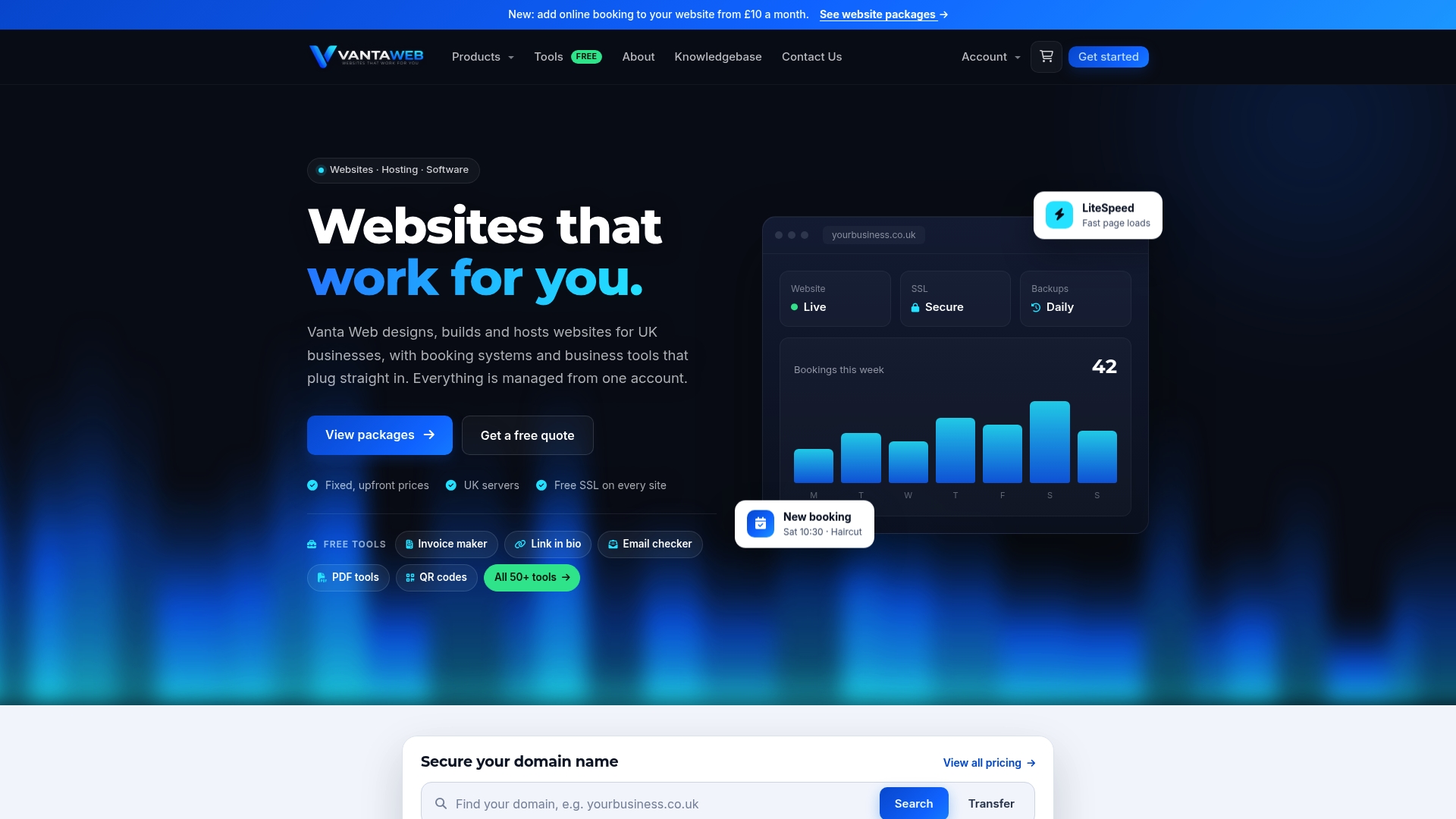
We design, build and host websites for UK small businesses, and we manage them from one account. Hosting runs on UK-based servers with free SSL and daily backups. Website packages include hosting, email and ongoing monthly edits, at fixed upfront pricing. Add online booking, and confirmations, reminders, customer and enquiry management, review requests, loyalty cards and waiting lists sit in the same dashboard as your site.

One of our booking set-ups produced over 42 bookings in a single week, which is the kind of result a site working together with its booking tools is built to deliver.
If you want the website, the hosting and the email sorted in one go, see the website packages.
You can also read more of our guides for small businesses on websites, Google and email, or start from the Vanta Web home page.
FAQ
Is web hosting the same as email hosting?
No. Web hosting keeps your site's files on a server so visitors can see it, while email hosting provides the mail servers that store and deliver your messages. Many plans combine them, so one provider looks after both under your domain.
Do I need a domain name to get email with my hosting?
Yes. Business email addresses are built on your domain, and a site needs a registered domain and a hosting account to be reachable. If you do not have a domain yet, you can register one and have it connected to your hosting and mailboxes.
Why would my business emails go to spam?
The usual cause is missing or incorrect authentication records. Google's guidance says senders need SPF or DKIM set up for their domain, and larger senders also need DMARC. A provider that configures these when it sets up your mailboxes removes most of the risk.
Can I move my email to a new host without downtime?
Yes, if you prepare. Copy your DNS records, set up the new mailboxes first, lower the TTL a few days ahead, then switch the MX records and test in both directions. Keep the old account until you are sure mail is arriving.
Does it matter if my hosting is based in the UK?
For a UK business holding customer details, it simplifies things. The ICO notes that the UK GDPR has rules for transfers of personal information outside the UK, and UK servers keep your data in the same country as your customers. It also means support in your own time zone.
Sources
- What is Web Hosting? Web Hosting Service Explained, AWS
- A brief guide to international transfers, Information Commissioner's Office
- Email sender guidelines, Gmail Help
- How to Move Your Website to a New Host Without Losing Email